Plant Graphics
Plant graphics are often used as an interface between the operator and the process. Plant
graphics are created with the Plant Graphics Editor.
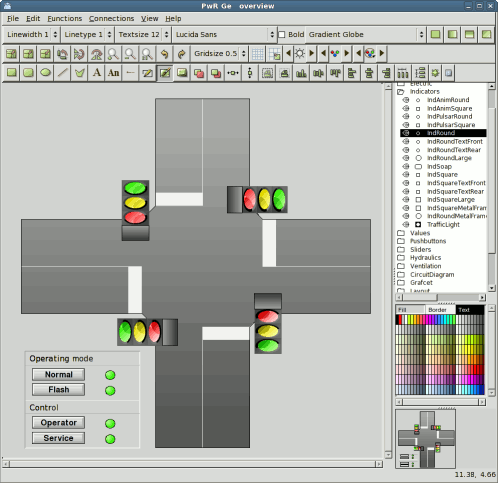
Fig The Plant Graphics Editor
Plant graphics can contain dynamics, which are connected to the logical signals, e.g.:
- Text that becomes visible when a signal reaches a certain value
- Graphical objects that change color when a signal reaches a certain value
- Graphical objects that become invisible when a signal reaches a certain value
- Graphical objects that move depending on the value of a signal
You can also place push buttons in the plant graphics, which the operator can use for changing
values of digital signals. To change analog signals you use an input entry field.
In our example we choose to make a plant graphics, showing a road crossing, where the traffic
lights (red, yellow, and green) are dynamic as shown in figure. How to create the plant
graphics is described in chapter 5 Creating Plant Graphics .
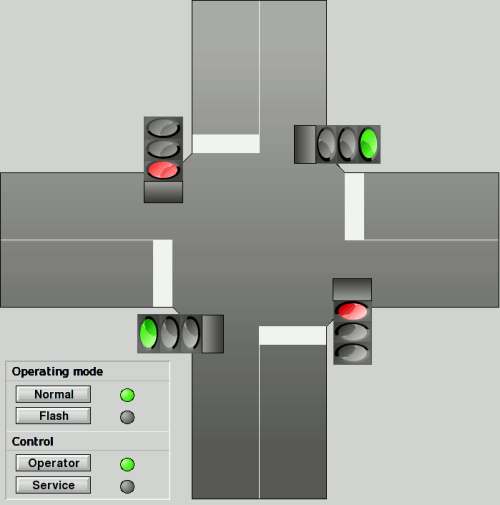
Fig The Plant Graphics for the Intersection