Making objects invisible or insensitive
To make objects invisible or dimmed you use the dynamic Invisible. To demonstrate this we
create a pushbutton from Button/Button2MetalFrame in the subgraph menu.

Fig A pushbutton
Invisible
The pushbutton has as default the attributes for DigToggle, and by adding Invisible to
DynType we also see the attributes for Invisible. By connecting a digital signal to
Invisible.Attribute the pushbutton will be invisible when the signal is high.
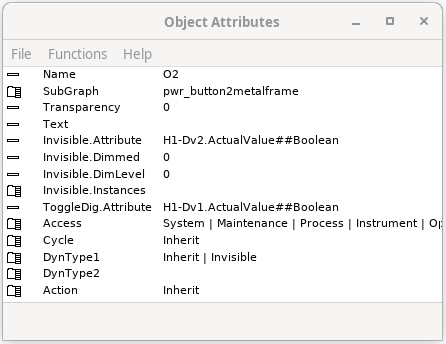
Fig Invisible attributes
We connect Invisible.Attribute to H1-Dv2, and the result is that when H1-Dv2 is high the
pushbutton is invisible.
Dimmed
If you only want the pushbutton to be insensitive for click and dimmed, you set
Invisible.Dimmed to 1.
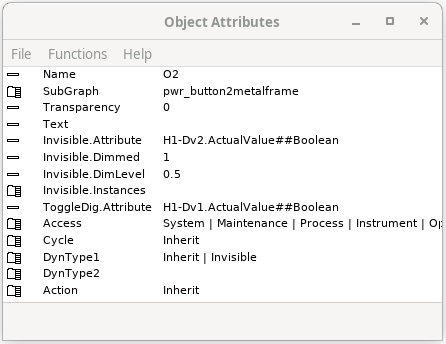
Fig Invisible.Dimmed and Invisible.DimLevel configured
When H1-Dv2 goes high the pushbutton is no longer sensitive for mouse clicks. This is marked
by the drawing the button dimmed. In addition it's possible to set a transparency level on the
dimmed button by setting Invisible.DimLevel to a value between 1 and 0.

Fig The pushbutton in original and dimmed state, and with DimLevel 0.5 to the right