Database
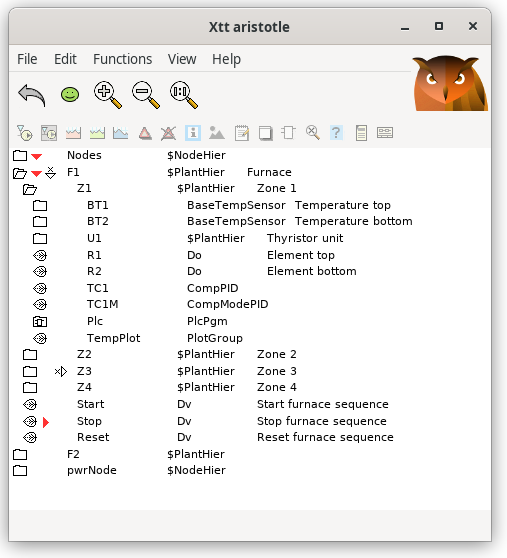
Fig The object tree from the navigator
Under the map 'Database' the object tree is shown. Here you can navigate in the object
three, open objects and examine the content of different attributes in the object. If
you have privileges, you can also change attribute values.
If you rightclick on an object, an popup menu with the object methods is opened. Buttons
to activate the methods of the objects are also found in the lower tool panel in the
navigator. Only methods that are valid for an object are sensitive.
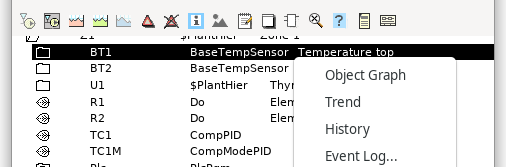
Fig Methods can be activated both from the tool panel and the popup menu