 Base component for a supervised pressure switch.

 The object handles supervision of a digital switch. Alarm status
 is set when the switch signal is low. When the value is low, an
 alarm i generated.

 Alarm status for high signal is possible by inverting the Di
 channel.

 The alarm can be disabled by the DisableSup input of the function
 object. DisableSup does not affect the AlarmStatus output of the
 function object.
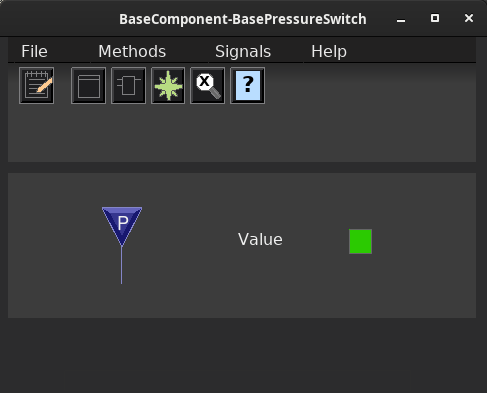
Graphical Symbol
The graphical symbol for this object is BaseComponent/PressureSwitch.

 Default dynamic:
 - the switch symbol is colored red when the signal value is lost.

 Default action:
 - the methods menu is opened with MB3.
Object Graph
Supervision
If the signal value is lost, an alarm is sent.
Configuration
Signals
 The object contains the Di signal 'Switch' that should be connected to a
 Di-channel.
Plc coding
For plc coding the function object BaseSupSwitchFo is used.

 Create a function object in the plc editor and connect it to the current
 object with the connect function.
See also
